








Phoenix Professional Search Systems
Advanced 3D Ground Scan
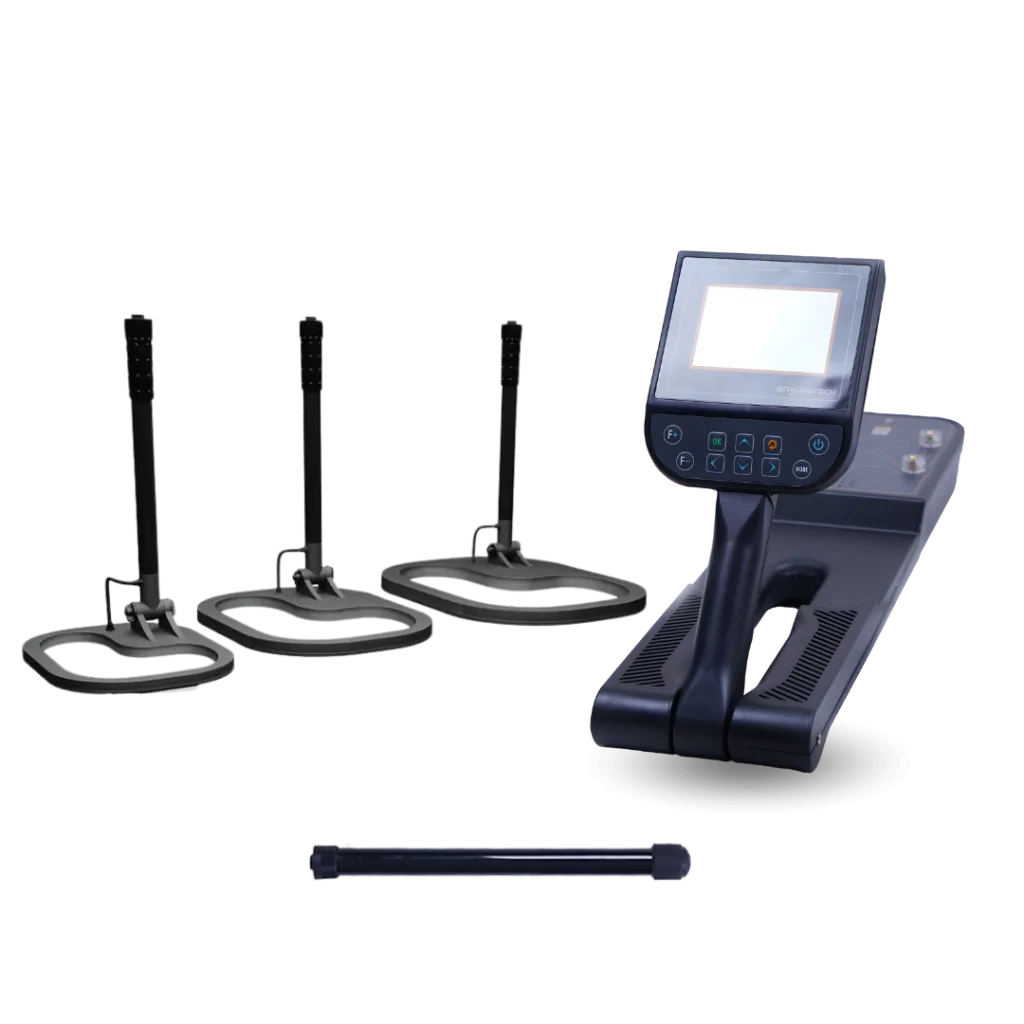
The 3D Ground Scan System is the most powerful and advanced detection mode in the Phoenix 3D Ground Scanner. It is built around the innovative Multi Ground Scanner (M.G.S) probe, a new technology designed to deliver faster, wider, and more accurate underground scanning.
Thanks to its large scanning surface and multiple built-in sensors, the M.G.S probe can cover a much larger area in less time while still maintaining extremely high detection accuracy. This makes it ideal for locating gold, metals, cavities, tunnels, and buried structures with professional precision.
The scanning data collected by the M.G.S probe can be displayed in two ways:
-
2D view on the device screen
-
3D visual models on the included Android tablet using the Multi Visual Analyzer app
After selecting the 3D Ground Scan system from the main menu, the user chooses how the results will be displayed.
Flexible Scan Display Options
Direct Phoenix Device Scanning
When this option is selected, the entire scanning process and results are displayed directly on the Phoenix device screen. Before starting, the user can adjust several important scan settings:
Flexible Scan Recording Modes
This defines how scan measurements are recorded:
-
Manual Mode – Measurements are recorded manually by pressing the red button on the device.
-
Automatic Mode – The device records measurements automatically at each scan point.
Efficient Ground Scan Paths
This defines the movement pattern during scanning:
-
One Direction – All scan lines are measured in the same direction (for example, south to north).
-
Zigzag – Each scan line is measured in the opposite direction of the previous one, allowing faster coverage.
Custom Scan Area Setup
This determines the size of the virtual scanning grid:
-
Width – Number of scan lines (columns)
-
Height – Number of scan points per line (rows)
Precise Scan Starting Position
Defines where the scan begins:
-
Left – Bottom-left corner of the scan area
-
Right – Bottom-right corner of the scan area
Once all settings are selected, a summary table appears. By pressing OK, the scanning process begins.
Real-Time 2D Target Imaging
During scanning, each measurement point is displayed as a cell in a grid. Every cell contains four colored sub-cells that represent the detected target type.
| Color | Target Type |
|---|---|
| Green | Normal ground |
| Light Blue | Small cavity |
| Blue | Cavity |
| Yellow | Metal objects |
| Red | Gold |
On the side of the screen, real-time values are shown:
-
Current X – Scan line number
-
Current Y – Scan point number
-
Value – Measurement value of the current point
This allows precise tracking of the scanning process.
Advanced Tablet 3D Analysis
When Tablet Mode is selected, the Phoenix connects wirelessly to the Android tablet. All scanning settings are adjusted through the Multi Visual Analyzer app, and the scan data is displayed in full 3D graphics.
The Multi Visual Analyzer app:
-
Works on any Android tablet or smartphone
-
Supports 12 languages
-
Displays scan data in real time as 3D color-coded images
-
Shows metal, cavities, normal ground, and gold clearly
The app also includes advanced tools to:
-
View targets from different angles
-
Measure target depth and location
-
Filter results by target type
This makes Phoenix one of the most powerful and user-friendly 3D ground scanning systems available for professional treasure hunting and underground exploration.
Live Underground Target Streaming
The Live Stream System is a powerful real-time ground scanning mode that allows users to see underground targets instantly as they move across the ground. This system provides a continuous visual stream of scan data, displayed either on the Phoenix device screen or on an Android tablet through the Multi Visual Analyzer app.
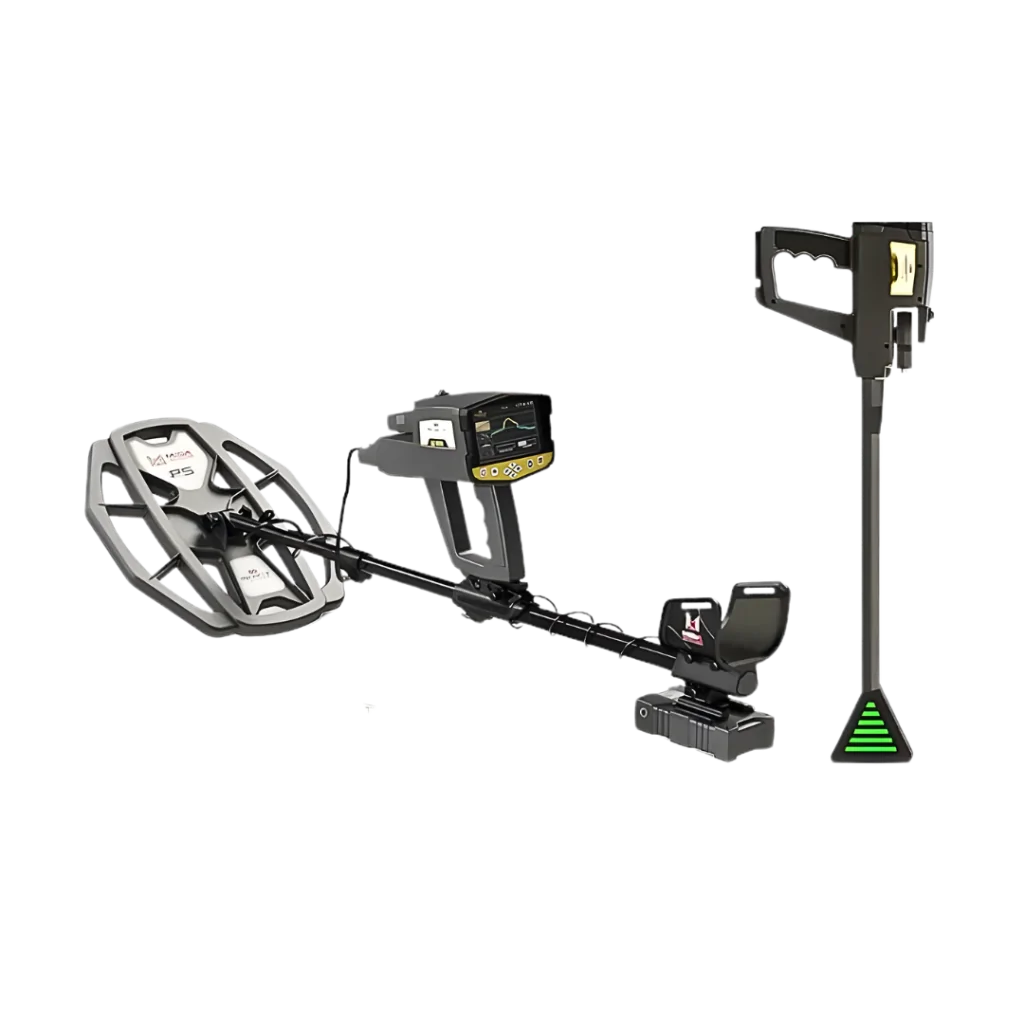
This scanning mode is powered by the Vertical High Signal Transceiver (V.S.T) probe, a specially developed sensor designed to perform deep live scanning. It can detect different types of underground targets, including ferrous metals, non-ferrous metals, and underground cavities such as tunnels and chambers.
The V.S.T probe is mounted vertically at the front of the Phoenix unit and must always remain perpendicular to the ground during operation to ensure accurate readings.
At the tip of the probe is a four-sided cone equipped with LED indicator bars. These LEDs change color in real time depending on the detected target. For example:
-
Red indicates precious metals such as gold
-
Blue indicates cavities or empty spaces
-
Other colors represent normal ground or different material types
When the Live Stream system is selected from the main menu, the device first guides the user through a quick probe calibration. After that, the live scan begins, showing a continuous stream of color changes on the screen that reflects what the V.S.T probe is detecting beneath the surface. A numeric value is also displayed, and the user can adjust the stream speed to match their scanning style.
The Live Stream visualization can also be viewed on an Android tablet using the Multi Visual Analyzer app. After connecting the Phoenix to the tablet via Bluetooth, users can activate the Live Stream mode in the app and see the same color-coded real-time data, making it easier to analyze underground targets as they are detected.
Precise Phoenix Target Pinpointing
The Pin Pointer System is used after excavation begins to precisely locate the exact position of a detected target. It is ideal for confirming and pinpointing buried metals or underground cavities before final recovery.
This system operates using the V.S.T (Vertical High Signal Transceiver) probe, just like the Live Stream mode. The probe must be kept perpendicular to the ground during operation to ensure accurate detection.
The Pin Pointer provides both audio feedback and a visual 2D bar graph on the device screen, allowing the user to clearly identify whether the detected target is metal or a cavity and to determine its exact position.
Custom Pin Pointer Controls
The results screen includes several adjustable settings:
-
Sensitivity
Controls how strongly the V.S.T probe responds to detected signals. Increasing sensitivity makes weaker signals more visible and changes the tone of the audio feedback. -
Calibration
Allows the user to recalibrate the sensor at any time to match the current ground type and conditions. -
Reset
Restores the calibration settings to their default values.
Clear 2D Target Identification
The detected signals are shown as a 2D bar graph on the screen:
-
Metal targets (such as coins or bronze objects) appear as upward-facing bars, with colors ranging from green to red at the strongest signal in the center.
-
Cavities (such as tunnels or empty spaces) appear as downward-facing bars, with colors ranging from green to dark blue at the strongest signal in the center.
This visual and audio feedback makes it easy to distinguish between solid metal objects and underground voids, helping users pinpoint targets with high precision.
Phoenix Scanner Software Controls
Intuitive Phoenix Software Interface
The Phoenix 3D Ground Scanner is equipped with a modern software platform designed according to the latest user interface (UI) and user experience (UX) standards. The interface is fully visual, intuitive, and easy to use, allowing users to quickly adjust scanning settings and view results clearly with advanced on-screen tools.
Fast Search System Selection
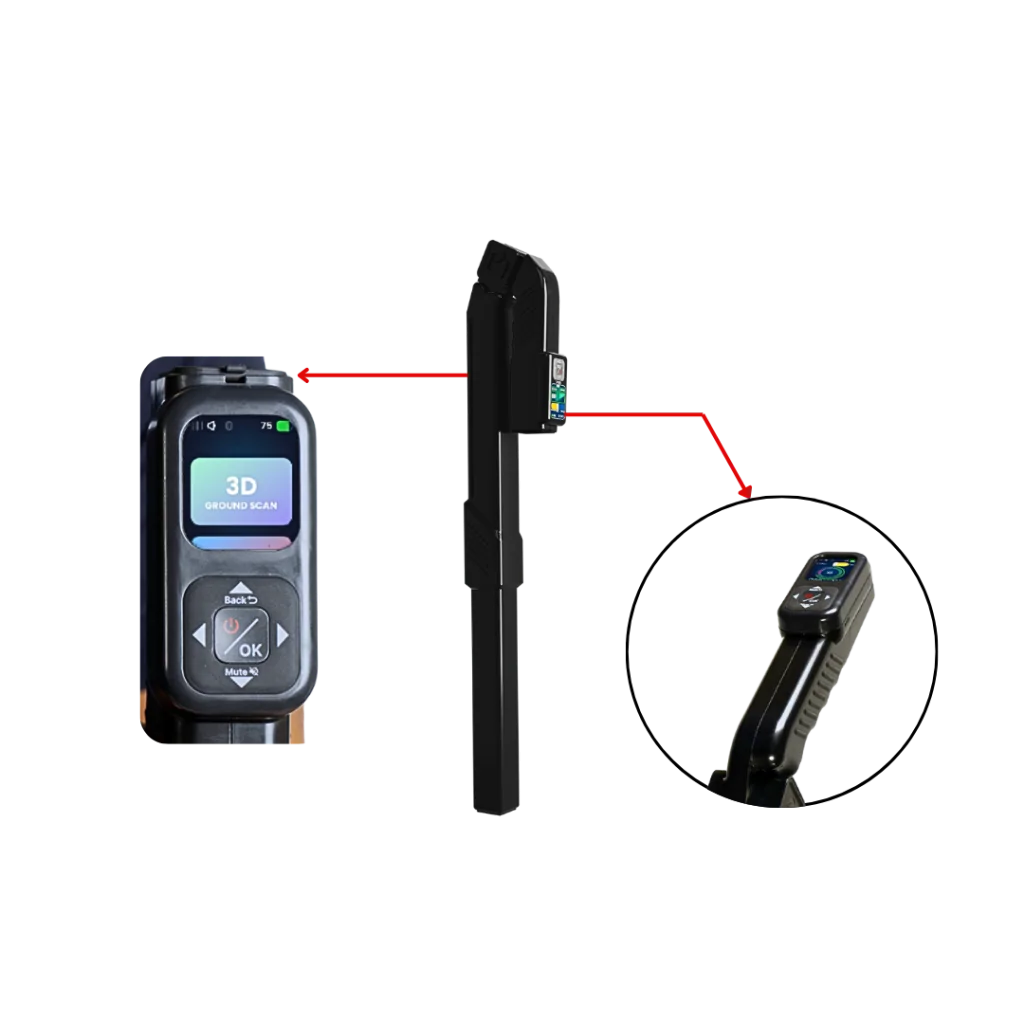
This screen allows users to select the desired search mode by choosing one of the system icons using the control panel. The Phoenix offers three professional search systems, and once selected, the user simply presses OK to begin scanning.
Multilingual Phoenix Operation
Phoenix supports 12 international languages, making it ideal for professional users around the world. The interface language can be changed easily from the settings menu.
Supported languages include:
German, English, French, Spanish, Russian, Italian, Arabic, Hebrew, Persian, Turkish, Urdu, and Chinese
Organized Scan Date Tracking
Phoenix allows users to set the correct date and time, which remain saved even when the device is powered off. A digital clock is displayed continuously on the screen, helping users track time while scanning in the field.
This feature is especially important when saving scan files, as each file is automatically named with the date and time of the scan, allowing users to easily review and analyze scans from specific locations and days.
Adjustable Display Performance
Users can customize the display to suit different environments:
-
Energy Saving Mode – Automatically turns off the screen after a set period of inactivity to save battery power.
-
Screen Brightness – Adjustable brightness for day, night, foggy, or rainy conditions, helping improve visibility and reduce battery consumption.
Customizable Scanning Audio
Phoenix provides audio feedback depending on the selected search system. Users can control:
-
General Sound – Overall speaker volume
-
Keypad Sound – Button click sounds
-
Scan Sound – Audio signals during scanning
Extended Battery Performance
A dedicated power-saving mode helps extend battery life by up to 50%, depending on the selected search system and connected sensors.
Efficient Scan File Management
All scan data can be saved directly to the device memory. Users can:
-
View previously recorded scans
-
Open saved files to review results
-
Delete old files to free memory for new scans
Flexible System Reset Controls
Phoenix provides several reset options:
-
Reset Settings – Restores system settings without deleting saved files
-
Factory Reset – Restores original factory settings and deletes saved data
-
Clear Memory – Erases all stored scan files
Complete Phoenix Device Details
This section displays:
-
Device version
-
Software version
-
Device model
-
Serial number
-
Manufacturer country
-
QR Code for accessing manufacturer and device information
Secure Phoenix Access Controls
Phoenix includes built-in security features:
-
PIN Lock – Enable or disable screen lock
-
Set PIN – Create a secure access code to prevent unauthorized use of the device
These functions make the Phoenix 3D Ground Scanner not only powerful but also secure, user-friendly, and professionally optimized for real-world treasure hunting and underground exploration.


Reviews
Clear filtersThere are no reviews yet.